Feedier 4.18: Multi-Taxonomies & Zendesk Import

Version 4.18.0 — August 19th, 2026
This release makes it easier to organize your analysis the way your business actually works, and to bring more customer signal into Feedier without extra manual work. You can now run several taxonomies side by side and share them across teams, and pull your support tickets in from Zendesk automatically. For CX teams, this means less rework when structures don't fit every brand or team, and a fuller picture of what's driving customer friction.
Before this release
Every team analyzes feedback differently. A brand, a business line, or a customer journey often needs its own way of organizing topics and segments, but most tools force everyone into a single structure. When teams want to share an analysis approach, they end up rebuilding it from scratch, and any update falls out of sync immediately. On top of that, valuable customer signal sits in support tools, disconnected from survey feedback, making it hard to see the full picture of why customers are frustrated.
What's new in this release
Run more than one way to analyze your feedback
What changed
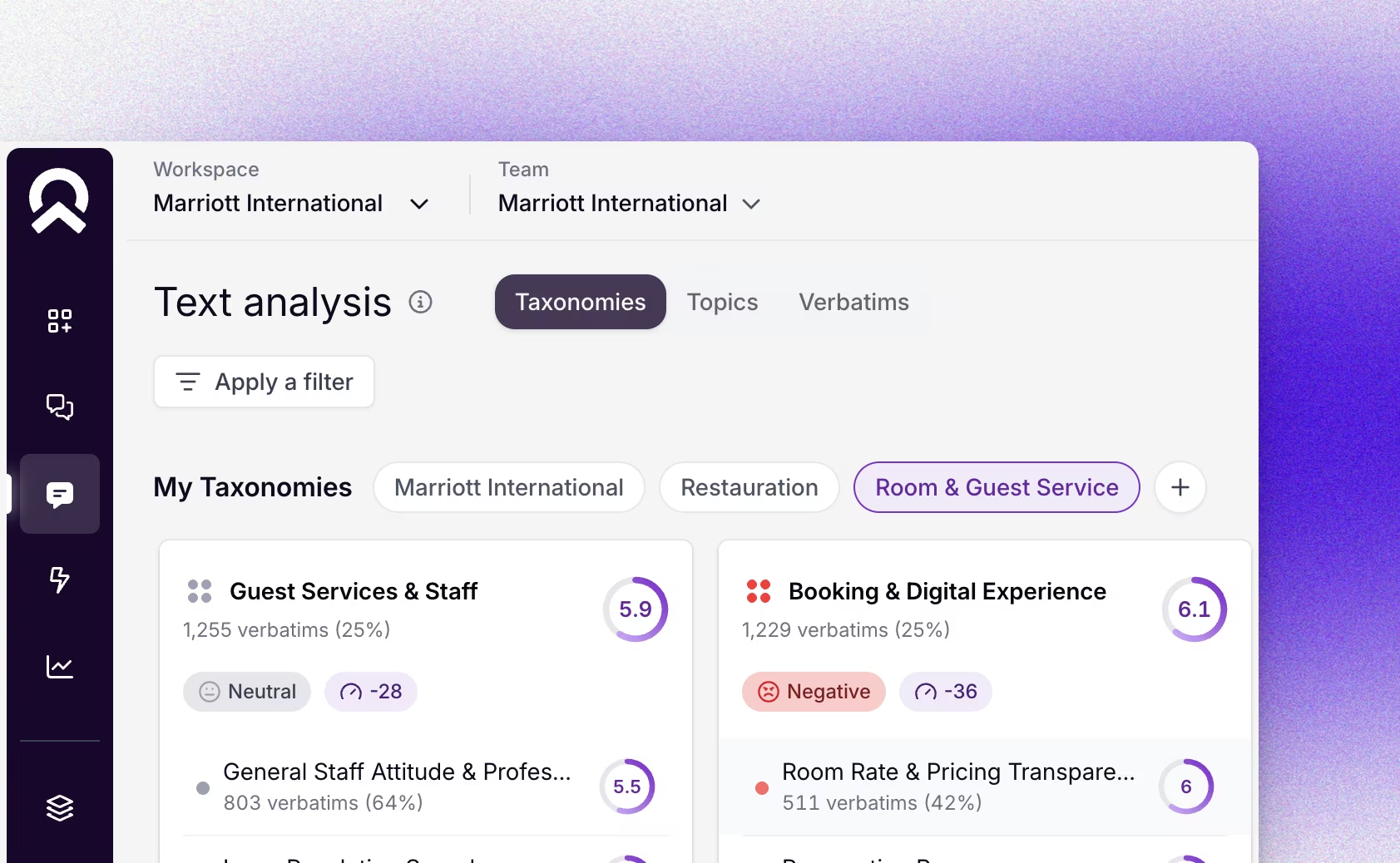
You can now create several taxonomies within the same team, each with its own name, type, goal, and constraints. A selector lets you switch between every taxonomy available to your team, and you can share any taxonomy with other teams or your whole organization.
Why it matters
Different brands, business lines, and journeys rarely fit into one rigid structure. Now you can build the right structure for each one, without duplicating effort, and without losing consistency when teams need to share the same view of the world. Because a shared taxonomy is never copied, updates apply everywhere it's used instantly, so every team stays aligned on the same definitions.
Put it to work
- Create a dedicated taxonomy for each brand or business line
- Share an approved taxonomy with every team in your organization
- Start fresh in a team by replacing a taxonomy without losing feedback, surveys, or members
- Track topic recommendations scoped to each taxonomy individually
This means you can structure your analysis exactly the way your organization works, and keep every team aligned without extra maintenance.
Bring your support tickets into the same analysis
What changed
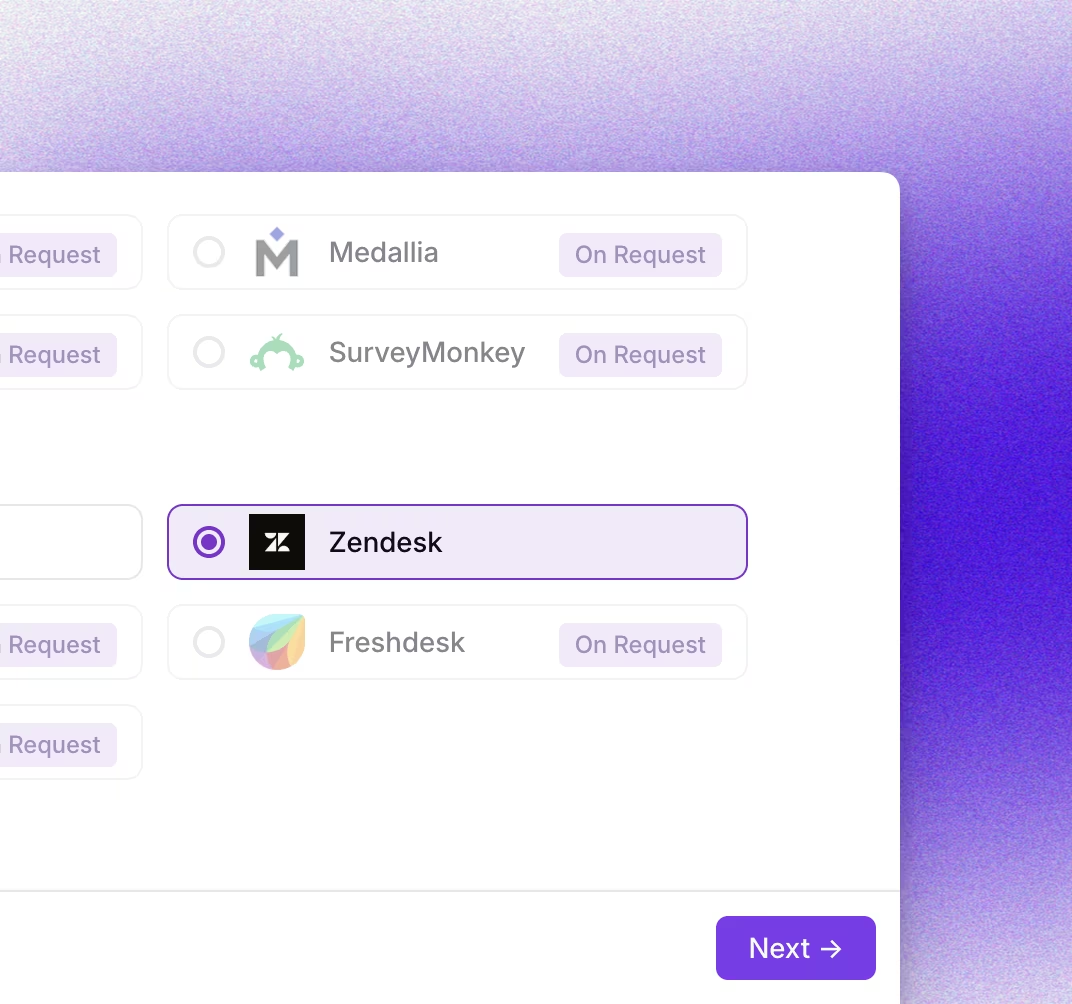
You can now connect your Zendesk account and import your support tickets directly into Feedier. Ticket subjects, requests, replies, and closing messages come in as verbatims, and ticket details like priority, type, status, and requester become attributes you can filter on.
Why it matters
Support tickets carry some of your clearest signals about what's frustrating customers, but they're rarely analyzed next to survey feedback. Bringing both together lets you see whether a spike in complaints is showing up in your support queue too, and understand the root cause with more context.
Put it to work
- Identify whether a rising complaint topic is also driving support volume
- Segment tickets by priority, status, or category alongside your survey data
- Track new and reopened tickets automatically, without manual re-imports
- Build a fuller view of customer pain points across every source
This means you can understand what's driving your support volume and connect it directly to the customer feedback you already collect.
How to access it
Manage taxonomies from Text & Analysis: use Create taxonomy anytime, and configure sharing from the Visibility tab (creating, editing, and org-wide sharing are reserved to admins). To connect Zendesk, go to Imports, choose Zendesk, and provide your API token, email, and subdomain.
What this release changes for you
This release gives you more freedom to structure analysis your way, without losing alignment across teams. It also closes the gap between support and feedback data, so you spend less time reconciling sources and more time understanding what customers are telling you. Together, these changes make it faster to go from signal to decision.
Read the full release details here.
Level 4? You're Level 2
Get the Five Levels of Voice of Customer Maturity

Our articles for further exploration
A selection of resources to inform your CX decisions and share the approaches we develop with our clients.